Drop your image here
or click to browse • PNG, JPEG supported
100% Free, processed locally in your browser. No images are uploaded to any server.
Processing
Runs locally in your browser
Output
Transparent PNG download
Setup
No sign-up or upload queue
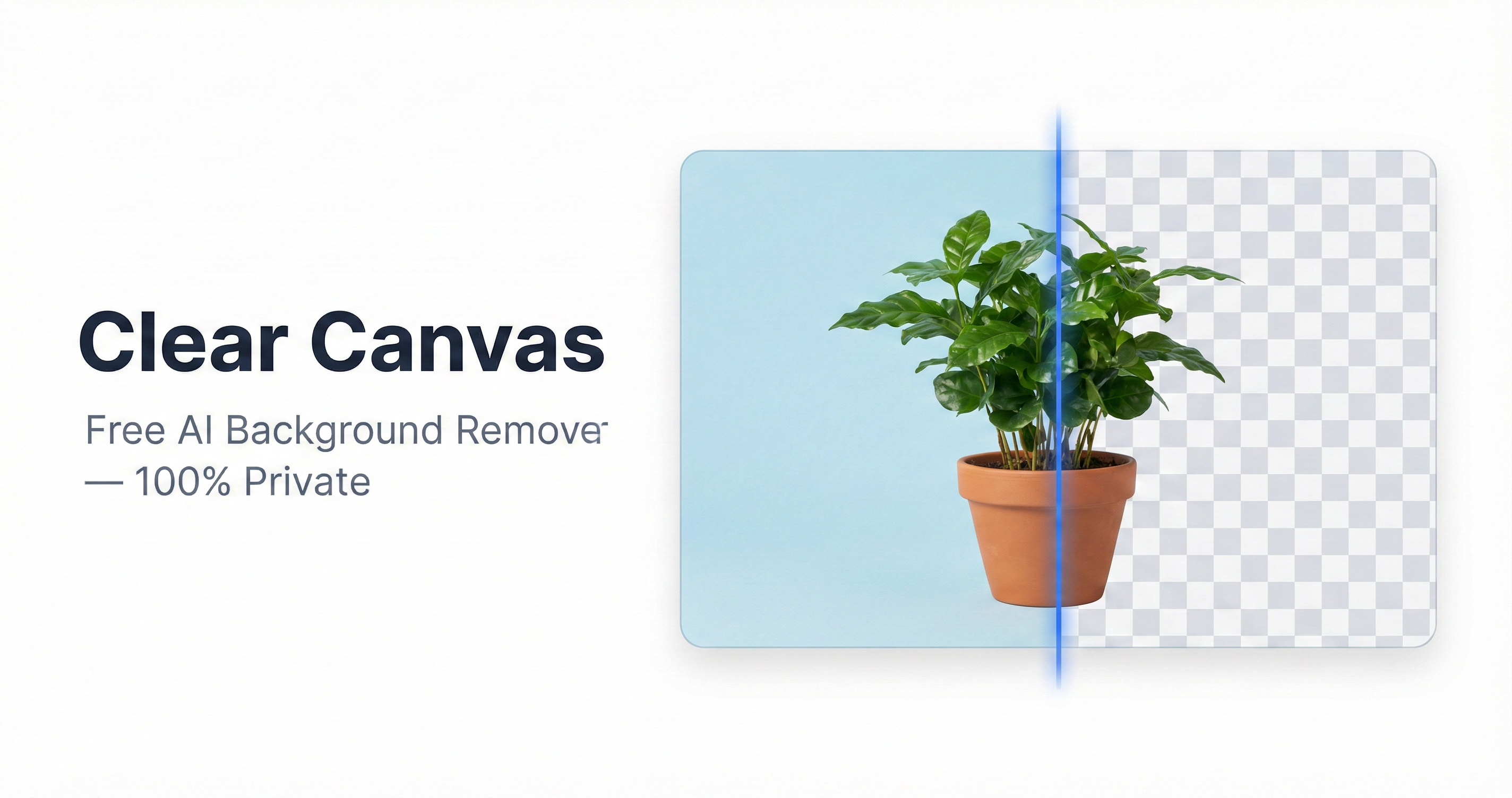
Sample result
Best for
Portraits, logos, and product photos with a clear subject edge.
Watch for
Transparent glass, heavy motion blur, and very fine semi-transparent details can still need manual cleanup.
Drop your image here
or click to browse • PNG, JPEG supported
These recommendations reflect the current browser-based model behavior on common subjects such as headshots, logos, and product images. Treat it as a practical usage guide, not a benchmark claim against every edge case.
Last reviewed
March 7, 2026
Unlike other background removers, Clear Canvas processes everything locally in your browser — your photos are never uploaded anywhere.
AI model runs in-browser via ONNX Runtime and WebAssembly — not on a remote server.
Files stay in browser memory and are discarded when the tab closes.
No account needed. Your images are never stored, shared, or sent to any server.
After initial model load, no network connection needed.
Upload a JPEG and get a transparent PNG.
Make any PNG image transparent instantly.
Turn a JPG into a transparent PNG image.
Clean headshot for professional email signatures.
Remove background from your logo for free.
Marketplace-ready product images instantly.
Remove backgrounds programmatically. Pay $0.05/image with USDC — no account needed. Built for AI agents and developers.
If people are deciding between privacy, price, and convenience, these pages answer the tradeoffs directly.